How do you reply to a customer complaint when you’re not at your desk?
Tell the customer what happened and what happens next, with a day, in the first two sentences. In ReplyContext on your iPhone you type those facts roughly and get one reply, with an apology only if you typed one.
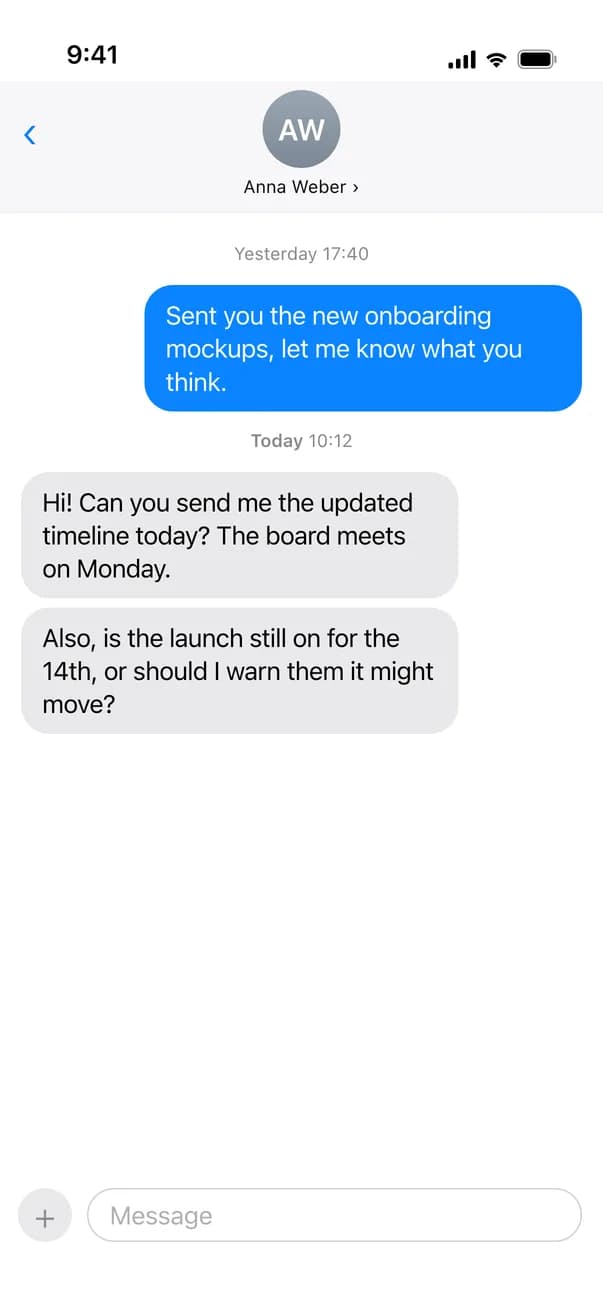
You run a small furniture shop. A customer writes on WhatsApp that her shelf was due last week and still isn’t there. You’re in the workshop and you’ve checked: it shipped on Monday and the carrier says Thursday. She should read that from you in the next five minutes, in a message that doesn’t look rushed.
For iPhone with iOS 18.4 or later
A late order, answered in one message
You type what happened and when the shelf arrives, and tap Draft Reply.
Small business
A customer asks where her order is
WhatsApp · Messages
CNCarla Nowak
online
Message:Hi, my oak shelf was due last week and it still isn’t here. What’s going on?
18:07
 ReplyContextYou type
sorry for the delay. it shipped mon, carrier says thu. ill send you the tracking link in a min
Reply:Sorry for the delay. It shipped Monday, carrier says Thursday. I'll send you the tracking link in a minute.
18:15
Message
The apology is in the reply because you typed it. “mon” and “thu” are written out.
The facts she asked for
The reply says when the shelf shipped and when it arrives, in your words. ReplyContext doesn’t know your orders, so every fact in the reply is one you typed.
An apology only when you write one
You typed “sorry for the delay”, so the reply says it. Leave it out and the app is built not to add one. The same goes for a refund, a discount or a date you didn’t offer.
You read it before she does
The reply can still be wrong, so read it once and change any word that isn’t right. Then tap Copy. Nothing reaches your customer until you paste it and send it.
How to answer a customer with ReplyContext
- 1
Bring in the customer’s message
Take a screenshot of the chat, tap Share and choose ReplyContext. For an email, select the text, tap Share and choose ReplyContext.
- 2
Type the facts
What happened and what happens next, with the day: “shipped mon, carrier says thu”. If you’re sorry, type that too.
- 3
Tap Draft Reply
You get one reply. Check the dates against the order before you copy it.
- 4
Send it from your own account
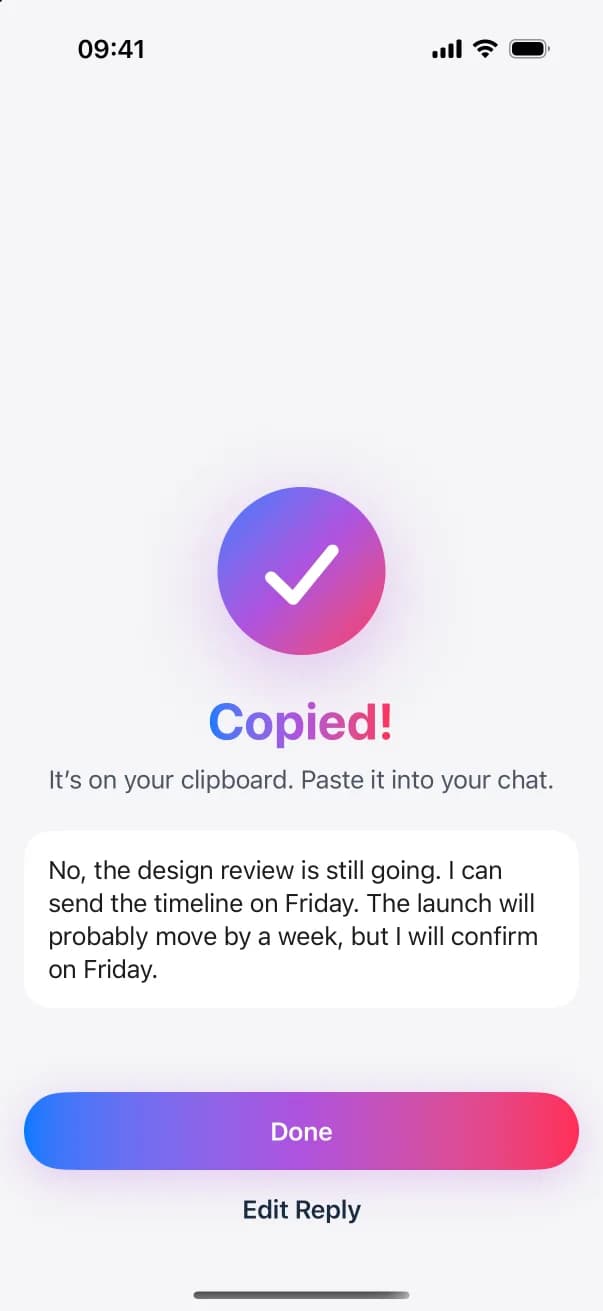
Tap Copy, go back to the customer’s chat, paste the reply and send it. The customer gets it from your number or your address.
Questions and answers
Can ReplyContext answer customers automatically?
No. It writes one reply at a time from the words you type, and you send each one yourself. It isn’t a chatbot or an auto-reply.
The customer is angry. Will the reply calm things down?
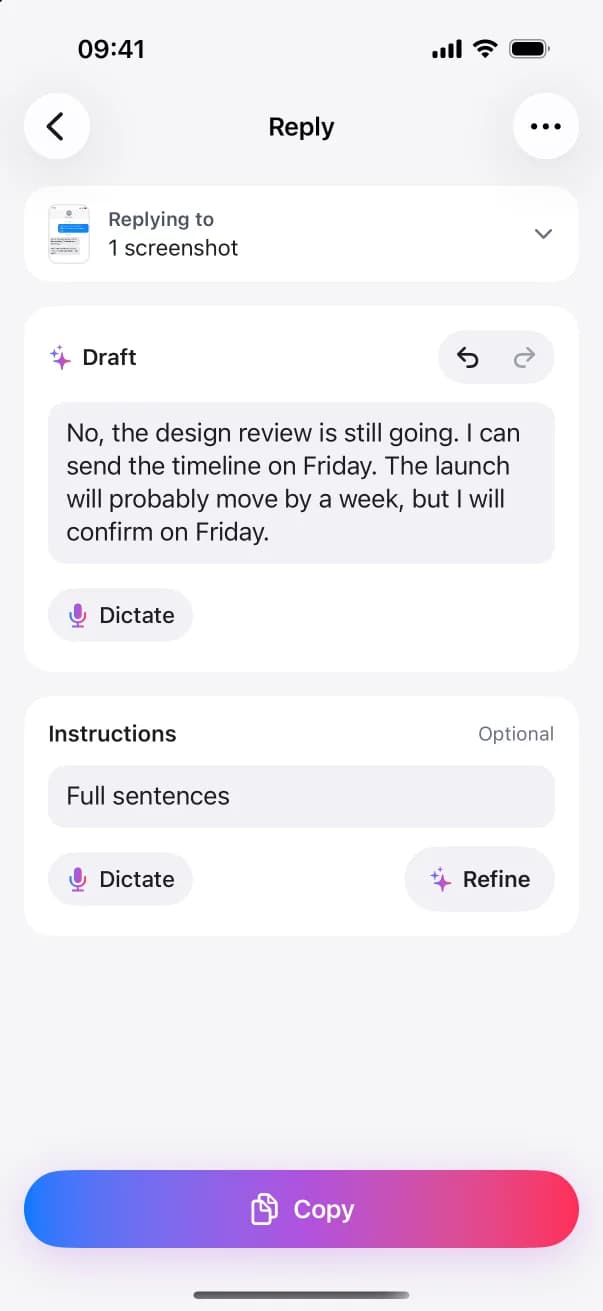
It keeps your tone. If you type a calm answer, the reply is calm. To change the tone, tap Add instructions, type “friendlier” and tap Refine.
Does it work with WhatsApp Business?
Yes, the same way as with any app: you screenshot or copy the customer’s message and paste the reply back. ReplyContext isn’t connected to WhatsApp Business.
My customer wrote in another language. Which language is the reply in?
The language you type in. Answer in the customer’s language in rough words, and the reply comes back in that language.
Try it on the next message you need to answer
Download on the App StoreFor iPhone with iOS 18.4 or later