Saying no
How do you say no politely in a message?
Say no in the first sentence and give your real reason in a few words. In ReplyContext on your iPhone you type exactly that, roughly, and get one reply that adds no apology or excuse you didn’t write.
A friend asks if you can help him move on Saturday. You can’t, it’s your sister’s wedding. You write a no, delete it and write it again, because each version reads as cold or as an excuse.
For iPhone with iOS 18.4 or later
Your no, written once
You type the no, your reason and your offer in a few words and tap Draft Reply.
Personal
A friend asks for help on Saturday
WhatsApp · Messages
JOJonas
online
Message:Any chance you could help me move on Saturday?
18:07
 ReplyContextYou type
cant sat, my sisters wedding. could do sunday morning
Reply:Can't Saturday, my sister's wedding. Could do Sunday morning.
18:15
Message
No apology added: you didn’t write one.
The reply is the no you typed
It keeps your no, your reason and your offer of Sunday morning, in your order. Capital letters and punctuation are fixed.
No apology added
ReplyContext is built not to add an apology, an excuse or a feeling you didn’t write. If you’re sorry, type “sorry” and it stays in the reply.
Friendlier when you ask
If the reply is too short for this person, tap Add instructions, type “friendlier” and tap Refine. It changes the same reply.
Step by step
How to say no with ReplyContext
- 1
Share the message
Tap Share on the message or on a screenshot of the chat and choose ReplyContext.
- 2
Type your no
Write the no and the reason the way you’d say them: “cant sat, my sisters wedding”.
- 3
Tap Draft Reply
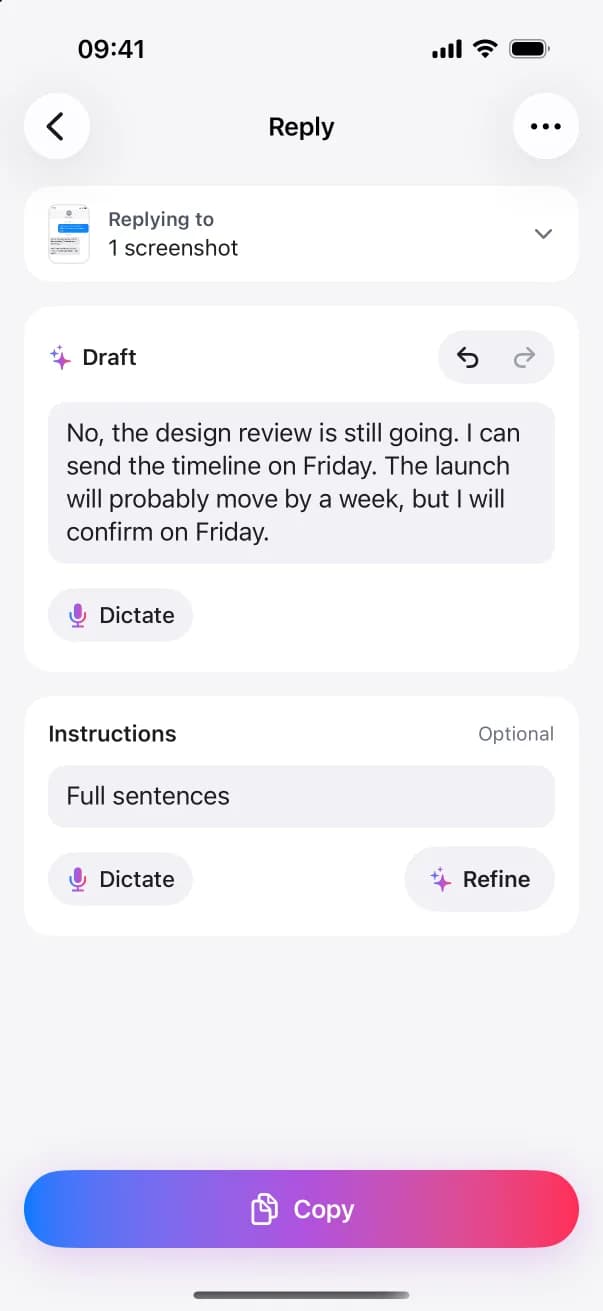
You get one reply. Edit it, or add an instruction such as “friendlier” and tap Refine.
- 4
Copy, paste, send
Tap Copy, go back to the chat, paste the reply and send it yourself.
FAQ
Questions and answers
Can it make my no sound friendlier?
Yes, when you ask. Type “friendlier” under Instructions and tap Refine. Without an instruction, the reply keeps the tone of what you typed.
Does it add an apology or an excuse?
No. It’s built not to add apologies, reasons or promises you didn’t state. The other person reads what you typed, with spelling and punctuation fixed.
Does it work for saying no at work?
Yes. Share the message from Teams, Slack or your mail app, type your no and your reason, and copy the reply into the conversation.
Try it on the next message you need to answer
Download ReplyContext, share the message, say what you mean, and copy your reply.
Download on the App StoreFor iPhone with iOS 18.4 or later