 ReplyContext
Your own draft
How do you make a message sound professional before you send it?
Type or dictate your draft in ReplyContext on your iPhone and tap Polish Draft. It fixes grammar and punctuation and keeps your words. An instruction such as “more formal” changes the tone.
You typed a note to a new contact with your thumbs: no capitals, and “appreciate” spelled wrong. It says what you mean. It doesn’t read like something you’d send to a client yet.
For iPhone with iOS 18.4 or later
Before and after
Polish Draft fixes the text. An instruction changes its tone.
Polish a draft you wrote
No message to answer? Leave Replying to empty, type or dictate what you want to send, and tap Polish Draft. It fixes grammar, punctuation and dictation slips without changing what you say. Add an instruction, like “shorter”, and the button becomes Refine Draft.
Replying to
OptionalWhat do you want to say?
Polish Draft
Draft
Hi Tom, thanks for the intro to Sam, really appreciate it. Would love a call next week—Tue or Wed afternoon works for me.
Change it with an instruction
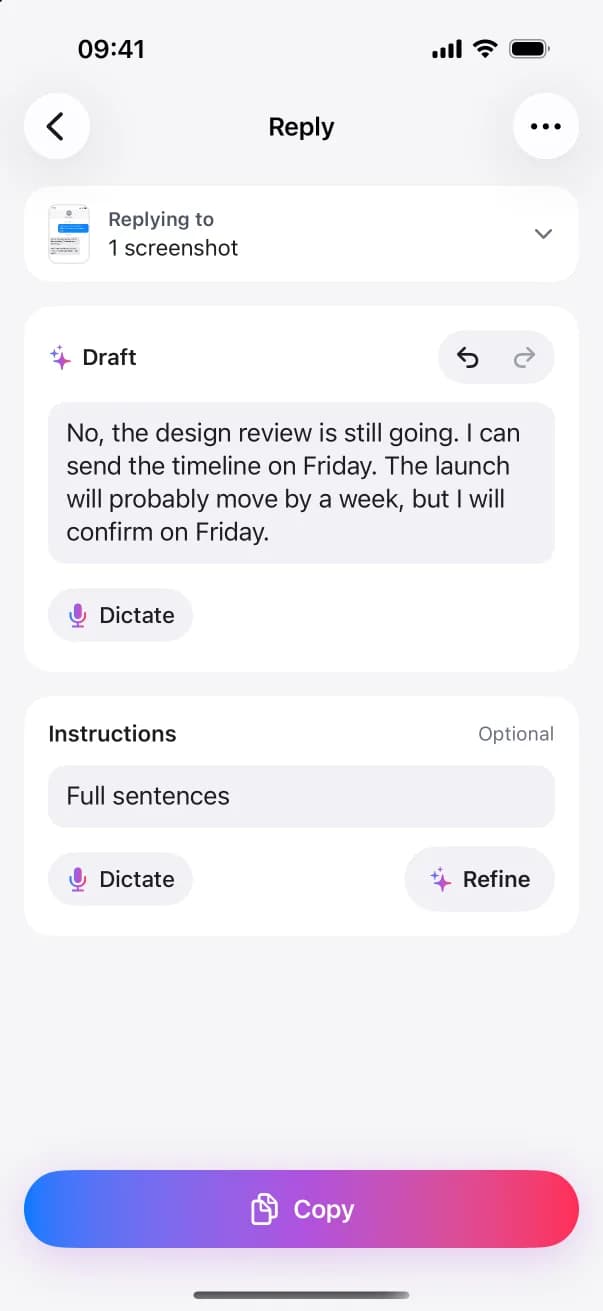
Replies stay short. For more, type an instruction such as “full sentences” and tap Refine. It changes the same reply, and the words that changed are marked for a moment. You can also edit the draft yourself. With no instruction, the button reads Polish.
Instructions
OptionalDraft
Yes, I can send them on Wednesday afternoon. I am waiting on Finance.
Formal doesn’t mean longer
An instruction such as “more formal” changes the tone and leaves the rest. It doesn’t add a greeting or a sign-off. If you want one, write it.
Step by step
How to polish a draft with ReplyContext
- 1
Tap New Reply
Leave Replying to empty. That tells the app there is no message to answer.
- 2
Type or dictate your draft
A few words or a whole draft both work.
- 3
Tap Polish Draft
Add an instruction, like “more formal”, and the button becomes Refine Draft.
- 4
Copy and paste it
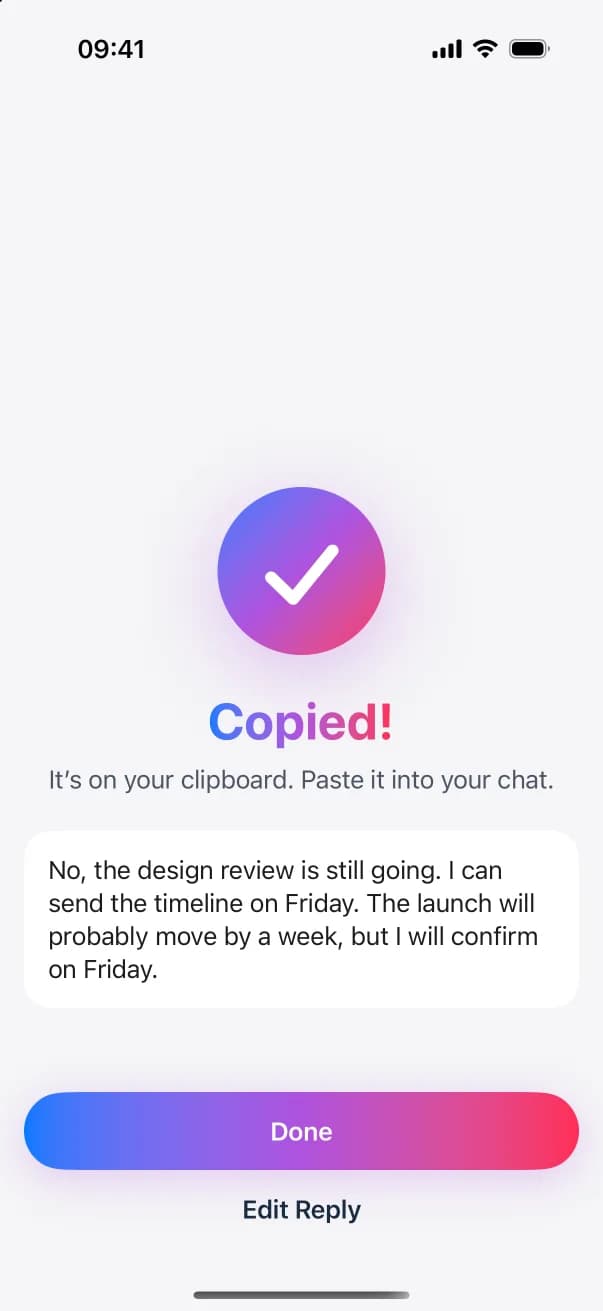
Tap Copy and paste the message where you want to send it.
FAQ
Questions and answers
Does it rewrite my whole message?
No. Polish makes the smallest changes needed: grammar, punctuation and spelling. You can still edit the draft yourself, with undo and redo.
Can it make the message shorter or more formal?
Yes. Type the instruction, for example “shorter” or “more formal”, and tap Refine Draft.
Do I need a message to reply to?
No. With nothing under Replying to, ReplyContext treats your text as a new message and adds no reference to a conversation.
Try it on the next message you need to answer
Download ReplyContext, share the message, say what you mean, and copy your reply.
Download on the App StoreFor iPhone with iOS 18.4 or later