Second language
How do you reply in English when it isn’t your first language?
Type your answer in rough English in ReplyContext on your iPhone and tap Draft Reply. You get one reply in correct English that keeps your meaning, and you send it yourself.
A supplier writes in English and asks if you can join Thursday’s call. You know your answer. What slows you down is checking every phrase before you send it, like “for 30 minutes” and “another meeting”.
For iPhone with iOS 18.4 or later
Rough English in, correct English out
You type the answer the way it comes to you and tap Draft Reply.
Second language
A supplier asks you to join a call
Outlook · Gmail
Message:JCJames Carter8:05
to me
Could you join the supplier call on Thursday at 3?
 ReplyContextYou type
yes can join but only 30 min, have other meeting after
Reply:MEYou8:31
to James Carter
Yes, I can join, but only for 30 minutes. I have another meeting after.
“30 min” becomes “for 30 minutes”, and “have other meeting” becomes “I have another meeting”.
Type it the way it comes
You don’t need full sentences or correct grammar. ReplyContext turns your rough words into correct English and keeps your meaning and your tone.
Short stays short
The reply is as short as what you typed. It adds no polite phrases or promises you didn’t write.
Your own English draft works too
With no message to answer, leave Replying to empty, type your draft in English and tap Polish Draft. It fixes grammar, punctuation and spelling without changing what you say.
Step by step
How to reply in English with ReplyContext
- 1
Bring in the message
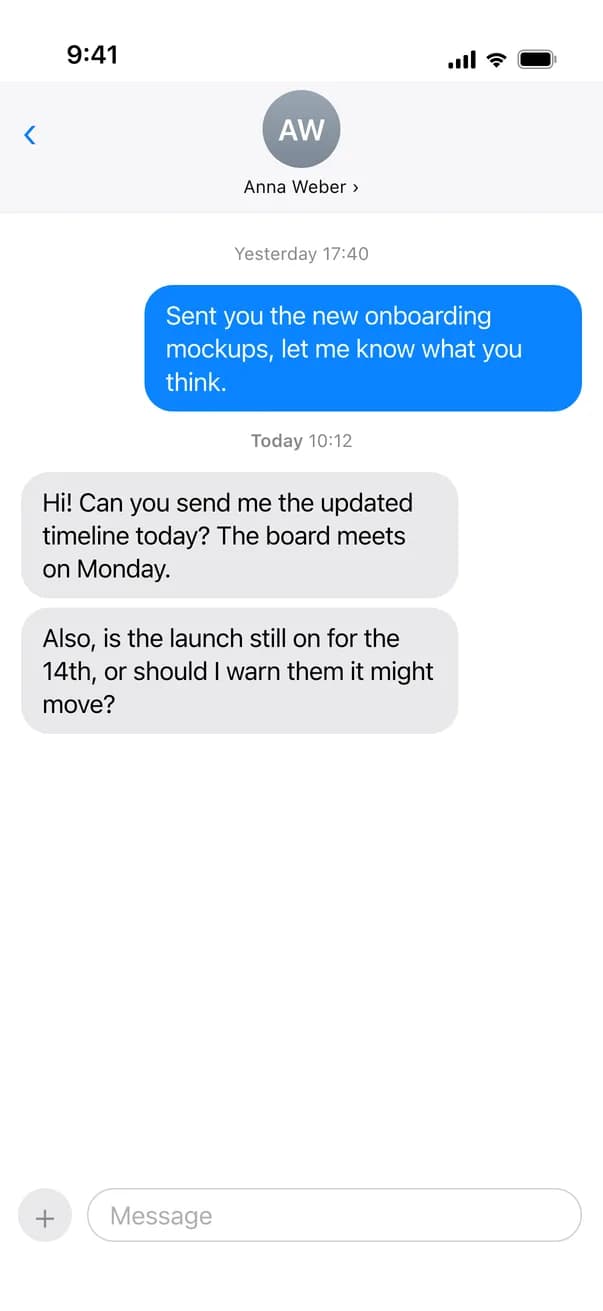
Tap Share on the message or on a screenshot of it and choose ReplyContext. Or copy it and paste it in.
- 2
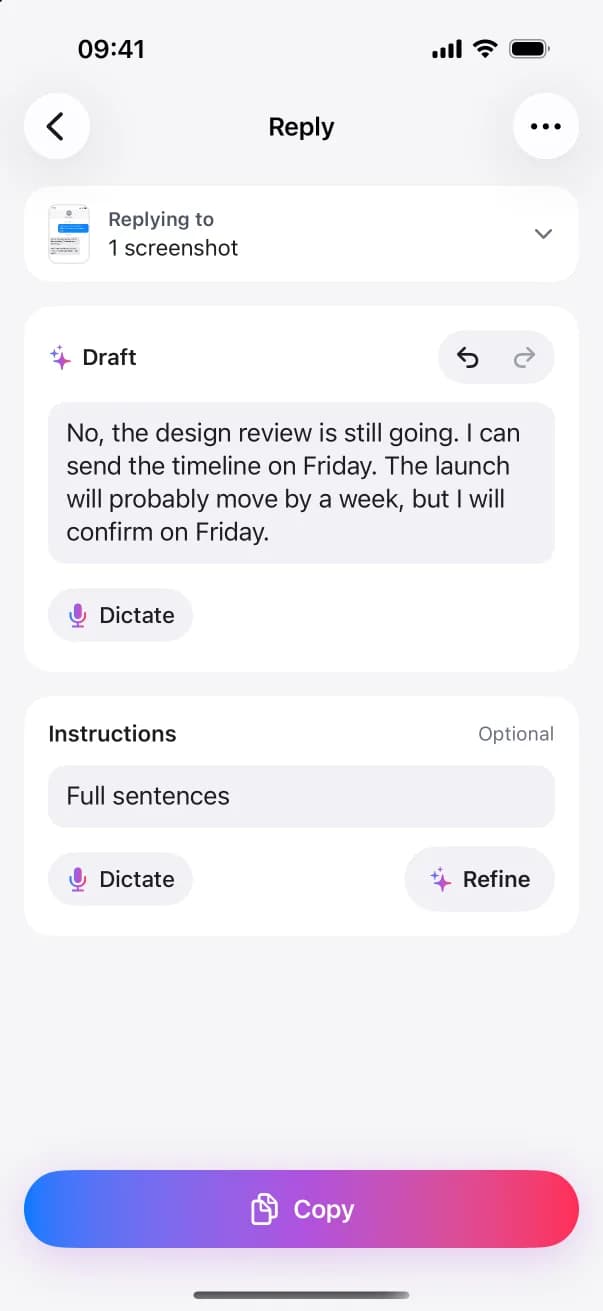
Type your answer in rough English
Write it the way you would say it. “yes can join but only 30 min” is enough.
- 3
Tap Draft Reply
You get one reply in English. Read it, change any word, and tap Copy.
- 4
Paste and send it yourself
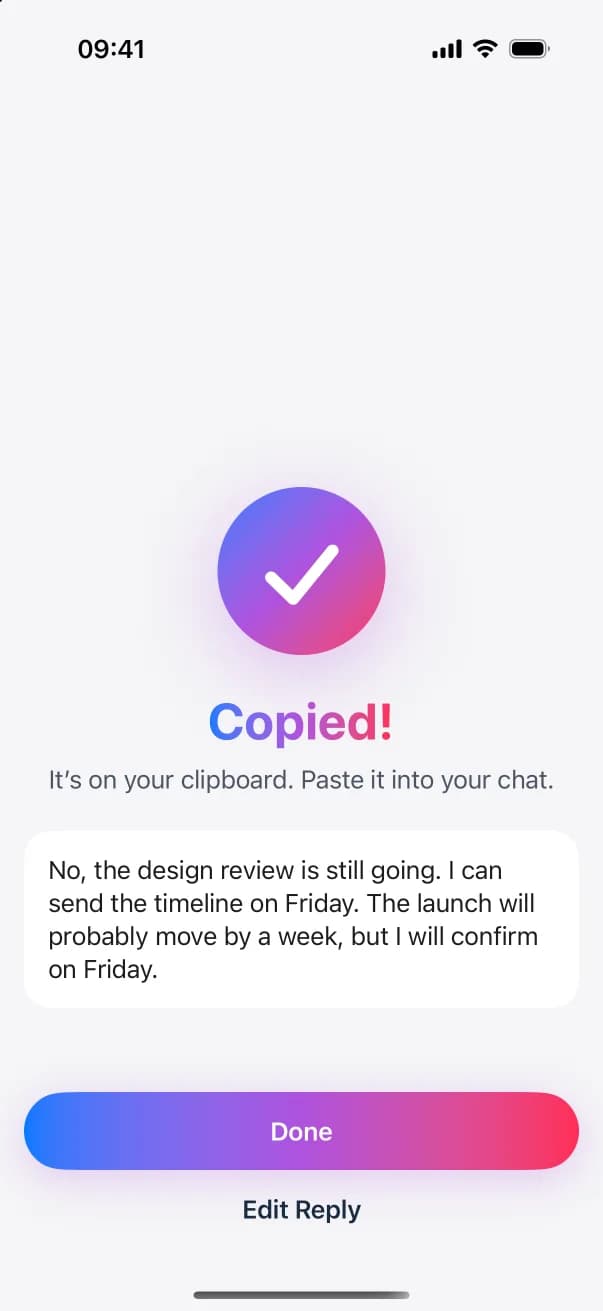
Switch back to the conversation, paste the reply and send it.
FAQ
Questions and answers
Which languages does it reply in?
In the language you write in. Type in English and the reply is in English. Type in German and it’s in German. The app’s menus and buttons are in English.
Can I type in my own language and get an English reply?
Yes, in two steps. Draft the reply in your language, then type the instruction “in English” and tap Refine.
Will it change what I mean?
It’s built to keep your meaning, your language and your tone, and not to add facts, promises or apologies you didn’t state. It can still get things wrong, so read the reply before you copy it. You can edit any word.
Try it on the next message you need to answer
Download ReplyContext, share the message, say what you mean, and copy your reply.
Download on the App StoreFor iPhone with iOS 18.4 or later