How do you get dictation to spell names right?
Give dictation a list of the names and terms you say. In ReplyContext that list is under Settings → Dictation → Personal Vocabulary, and it goes along with every recording you make in the app. iPhone dictation and Siri in other apps stay as they are.
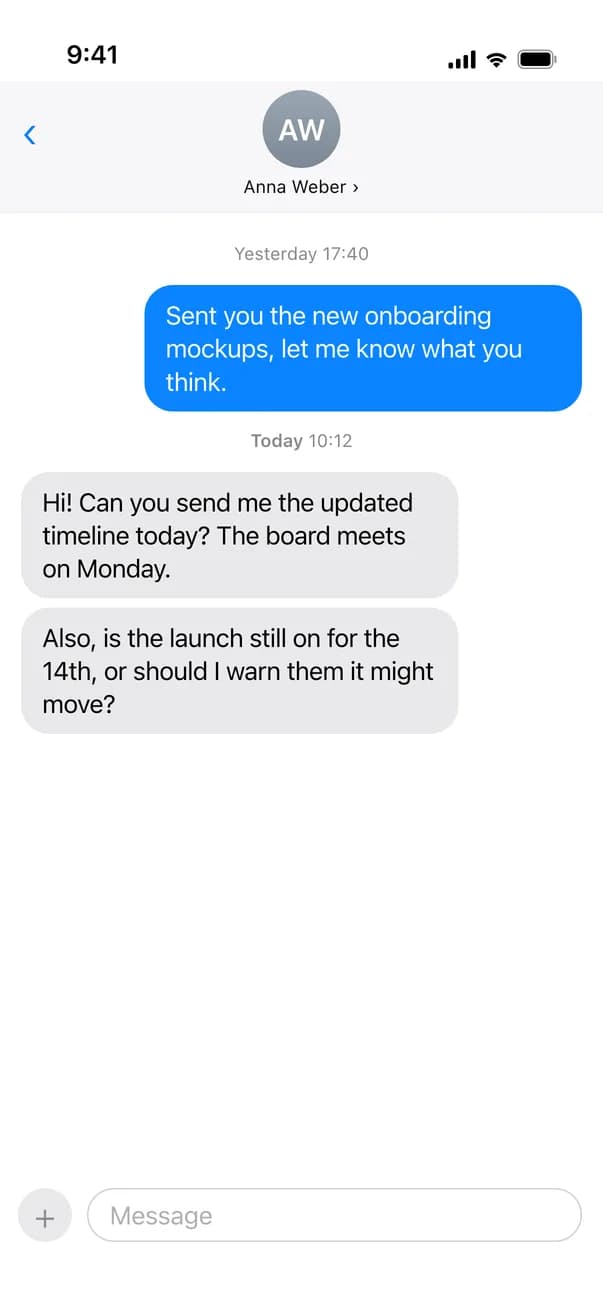
A colleague asks in Slack who from Northwind is on Thursday’s call. You’re walking, so you say the answer instead of typing it. Priya comes out as “Pria”, Siobhan as “Shivon”, and fixing names with one thumb takes longer than saying them.
For iPhone with iOS 18.4 or later
Two names, said once and spelled right
Priya Shah, Siobhan Byrne and Northwind are in your Personal Vocabulary. You tap Dictate, say your answer and tap Draft Reply.
Work chat
A colleague asks who is joining the call
Microsoft Teams · Slack
Northwind
6 members
Message:TBTom Becker10:12
Who from Northwind is on Thursday’s call?
 ReplyContextYou type
Priya Shah and Siobhan Byrne from Northwind they want to start with the Q3 numbers
Reply:MEYou10:20
Priya Shah and Siobhan Byrne from Northwind. They want to start with the Q3 numbers.
Reply
You only said the names. The text spells them the way your vocabulary does, and the reply keeps that spelling.
Spelled from your list
Your Personal Vocabulary goes along with each recording, so dictation writes “Siobhan” and “Q3” the way you do. The list is kept on your iPhone.
Correct a name once
If dictation still gets a name wrong and you fix it by hand, the app asks: Add “Siobhan Byrne” to your vocabulary? Tap Add, and it goes along with every recording from then on.
Only inside ReplyContext
The list is used when you tap Dictate in ReplyContext. iPhone dictation in WhatsApp, Mail or Messages and Siri don’t see it.
How to dictate a reply with the right names
- 1
Add the names
Open Settings → Dictation → Personal Vocabulary and add the names, places and terms you say often. Separate several with commas.
- 2
Bring the message in
Take a screenshot of the conversation, tap Share and choose ReplyContext. Or copy the message and paste it under Replying to.
- 3
Tap Dictate and say it
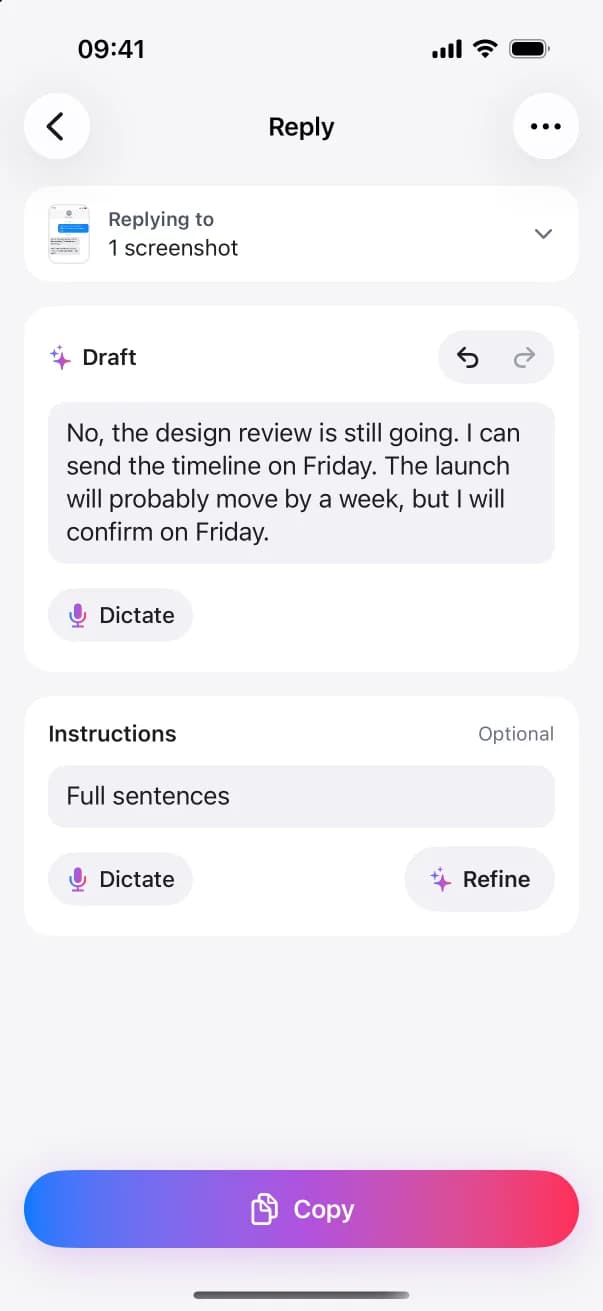
Under What do you want to say?, tap Dictate and talk for up to 60 seconds. Your words appear as text you can edit.
- 4
Tap Draft Reply and paste it
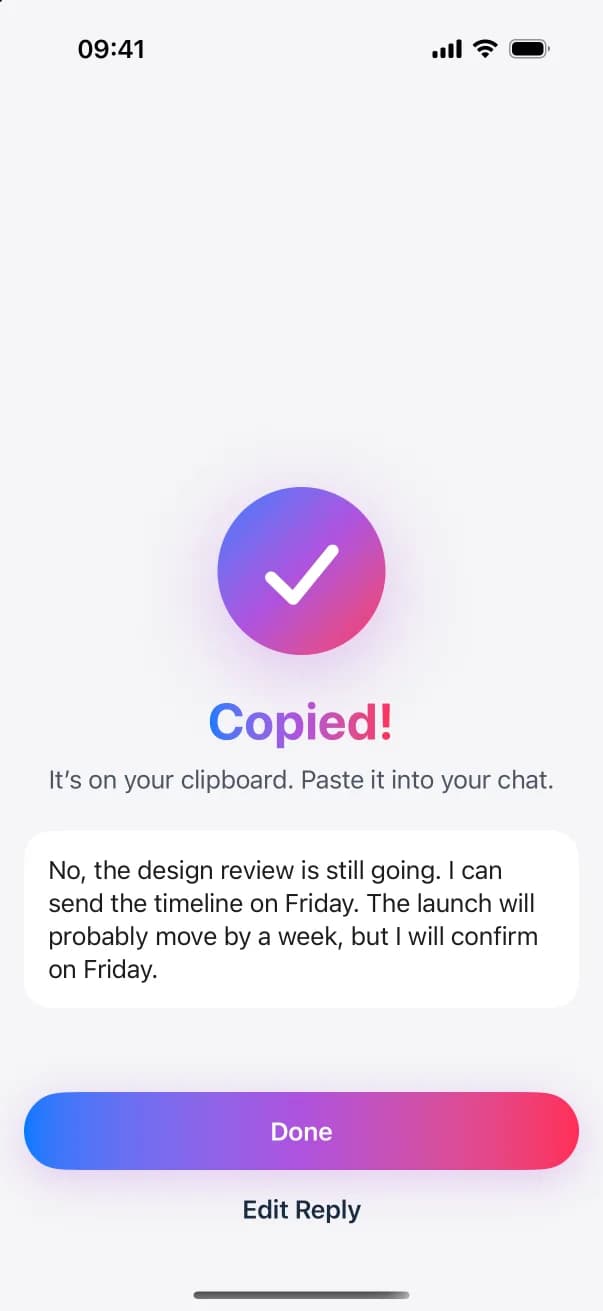
Read the reply, tap Copy and paste it into the chat. You send it yourself.
Questions and answers
Does it fix dictation in my other apps?
No. Personal Vocabulary works only when you dictate inside ReplyContext. The dictation button on the iPhone keyboard and Siri don’t use it.
Where is my list kept?
On your iPhone. Each time you dictate in ReplyContext, the list is sent with the recording to Google Gemini, which turns speech into text. The recording is deleted from your iPhone afterward.
How many names can I add?
Up to 100 names and terms. When the list is full, the app tells you, and you delete one to add another.
What if I type the names instead?
Then the reply uses the spelling you typed. The list only matters when you dictate.
Try it on the next message you need to answer
Download on the App StoreFor iPhone with iOS 18.4 or later